
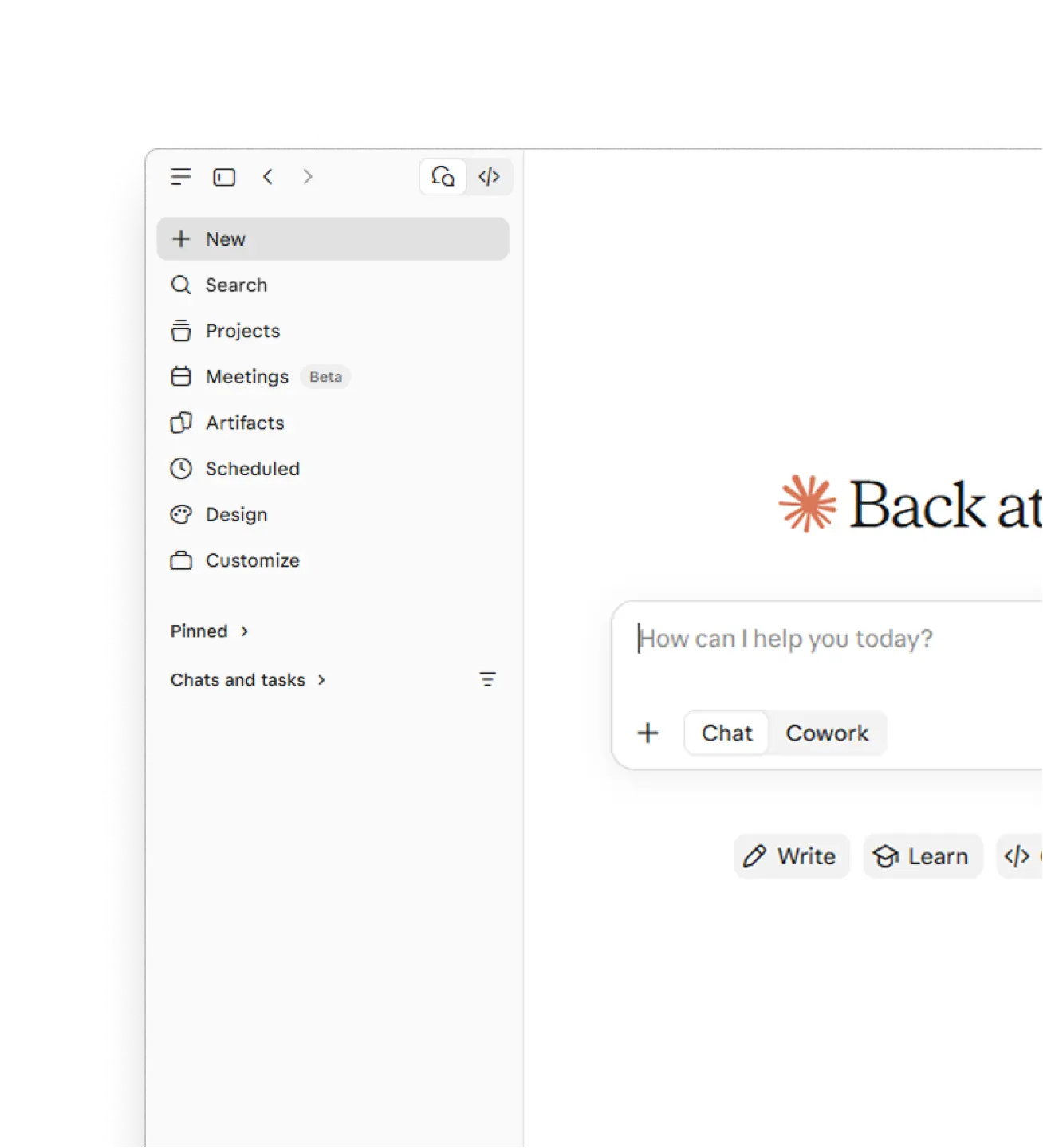
AI-assisted initial exploration enables us to process project-specific data, test early UX alternatives, and conduct user research faster and more efficiently than ever before.



AI Native Design
The world is rapidly changing. AI is here to stay, and with it, digital product development is going through a total upheaval. Technology is advancing at a pace never seen before, meaning concrete rules or practices can become obsolete overnight. As a result, we have to stay adaptable, constantly review our work methods, and avoid spending too many resources on the current state of things.
It might be tempting to hop onto the hype train and conclude that anyone can build anything nowadays. Front-end code has become so cheap that, at times, this might even be true. And yet, a professional design approach has become an even more essential and valuable skill than ever before. As a tool, AI should never take the lead and design solutions for us, or else we quickly end up in slop territory.
See my previous workAvoid generic slop by focusing on professional design judgment
More effort afforded for real problem solving through faster execution
Changing technology adapted into professional workflows
AI-assisted workflows can dramatically cut down time allocated to manual design workflow tasks.
New and better workflow options are constantly added at our disposal. This, however, does not make the core digital product development foundations irrelevant. On the contrary, we are living in exciting times, with the chance to work faster and reach a higher bar than ever before. All this requires is for us to adapt the right tools deliberately.
Previous solutions can easily become obsolete overnight as the tools rapidly evolve.
A Smarter Way
AI-assisted initial exploration enables us to process project-specific data, test early UX alternatives, and conduct user research faster and more efficiently than ever before.
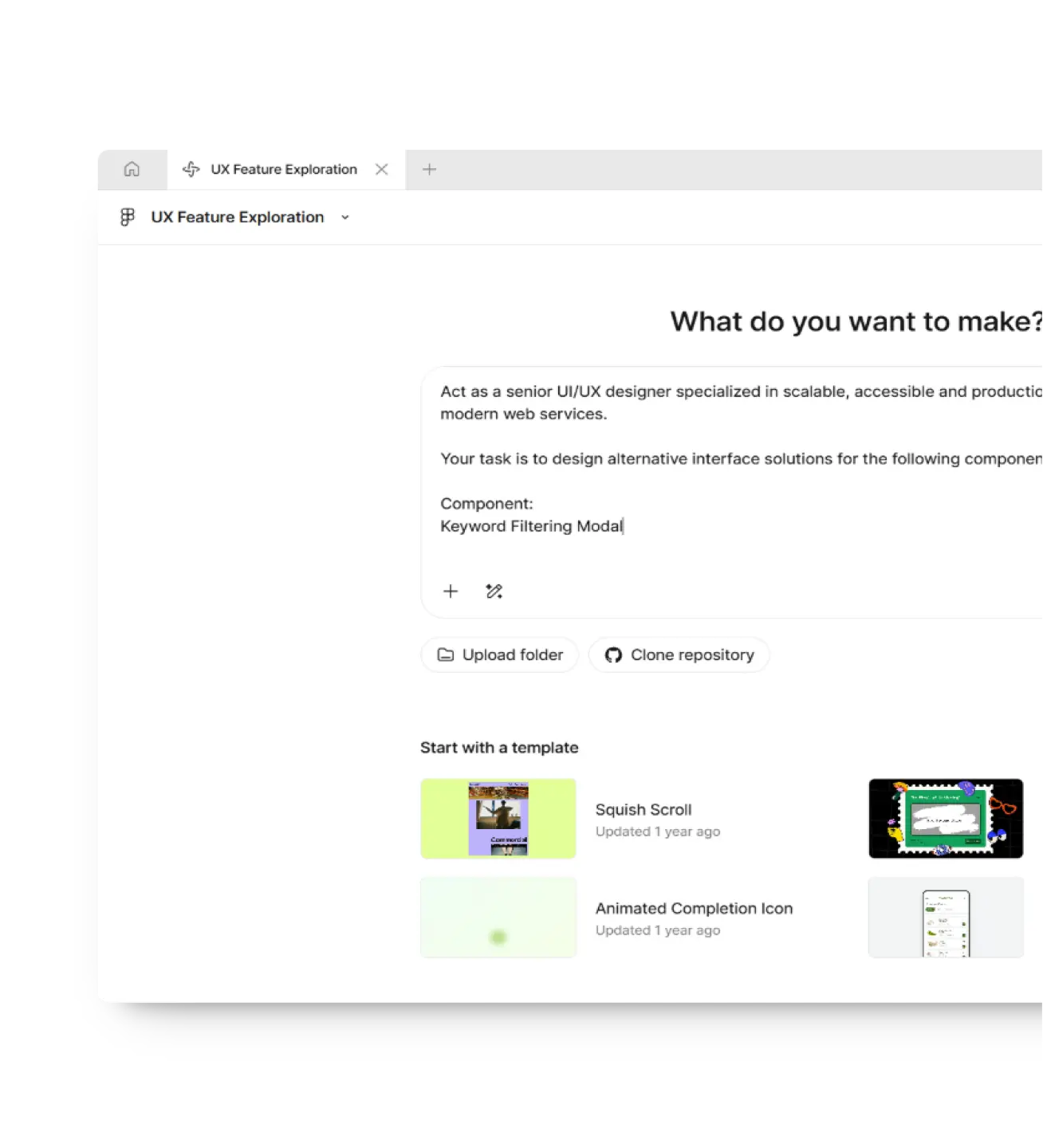
A/B testing alternative UX solutions early on lets us validate ideas before committing resources to heavy UI-level documentation.
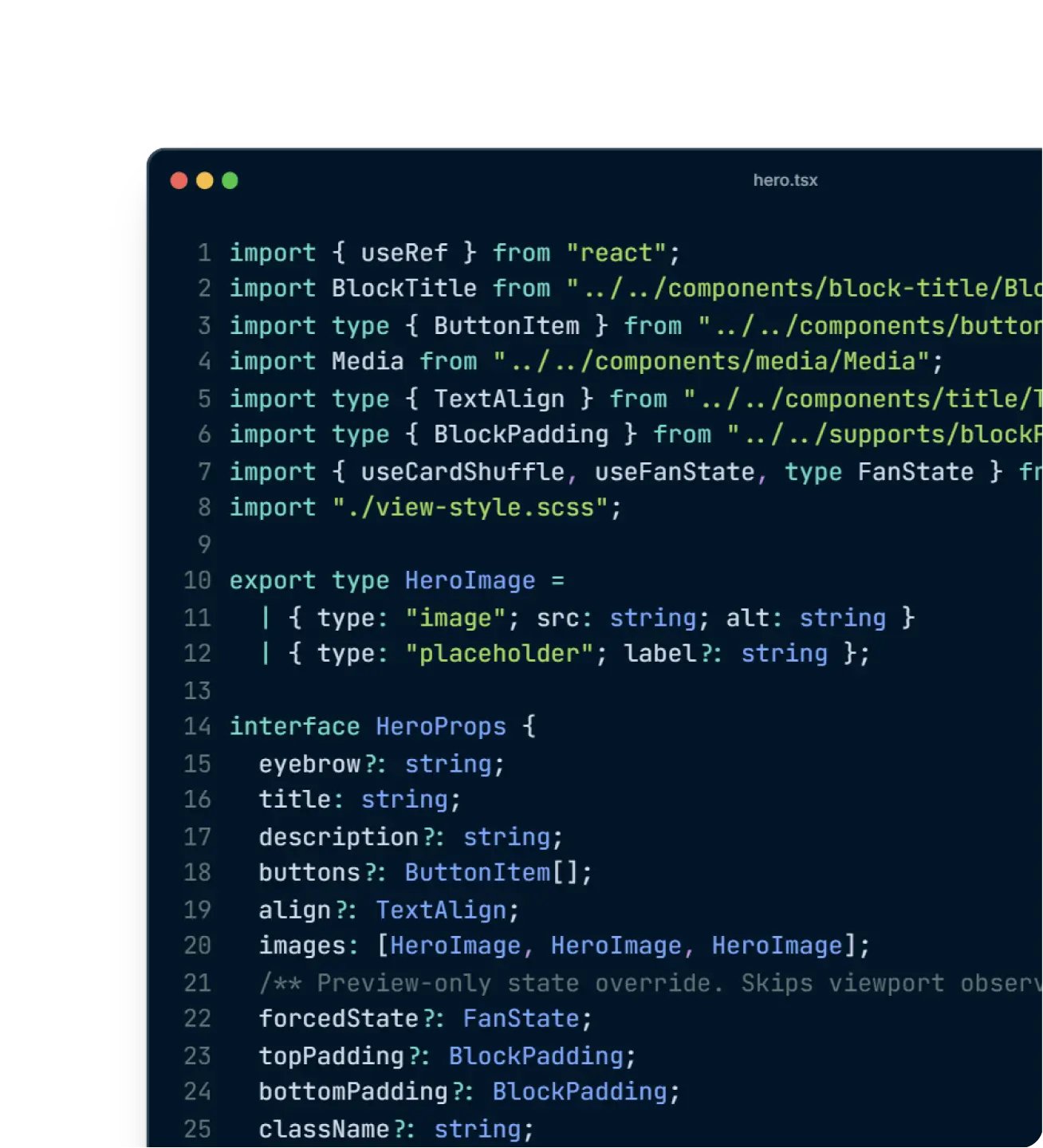
Generated AI prototypes can take projects all the way to deployment-ready web applications, while keeping human review and developer collaboration firmly in the loop.
AI tools make it fast, easy and efficient to research project-specific details and vast amounts of documentation.
Internalizing initial project documentation, researching service and user details, and drafting workshop memos, copy content, or service structures is faster than ever. The same applies to generating visual assets, images, vector graphics, and video content, allowing us to push polish further even under tight schedules and budgets. As with all generative processes, it is essential that we still apply real design know-how and human review instead of settling for slop.
As of now (November, 2026), pure layout generation is still sadly lacking. Tools like Claude Design and Figma Make can work well from a clean canvas, but results often lean generic, and steering visuals away from standard SaaS aesthetics can be frustrating. Using AI early, however, works great during the exploration of various UX solutions to try out alternative feature solutions through wireframe-level prototypes. And the best part is that this can easily be done by even the non-designer members of our development team.
Exploring various UX-level alternatives early allows us to test actual usability issues before committing to defined feature specifications.
Speeding Up Traditional Design
UI Design should still start with hand-drawn sketches for visual direction and basic service structures. Comprehensive Figma documentation, covering every state and breakpoint upfront, is however quickly becoming an artifact of the past, as blocking out static layouts with just the essential device-specific variations is enough before moving into AI-assisted building.
Applying traditional smart layout practices and clear component behavior descriptions is still crucial. Leveraging MCP connections can then help us turn these components into smartly structured coded prototypes, which can then easily be brought back to traditional layout canvases for further processing. Prompting these components into AI-built prototypes is best done one element at a time, as this helps us save costly tokens and makes errors easy to spot. Once this is all said and done, compiling these AI-built components into a working web application with coherent pages, content, and navigation flows can be done in a heartbeat.
Start with the traditional layout canvas and block out clear visual themes and static component foundations
Build AI-generated components one by one to better control token usage and output quality
Treat AI-built code as a fast starting point, not an automatic shortcut to production
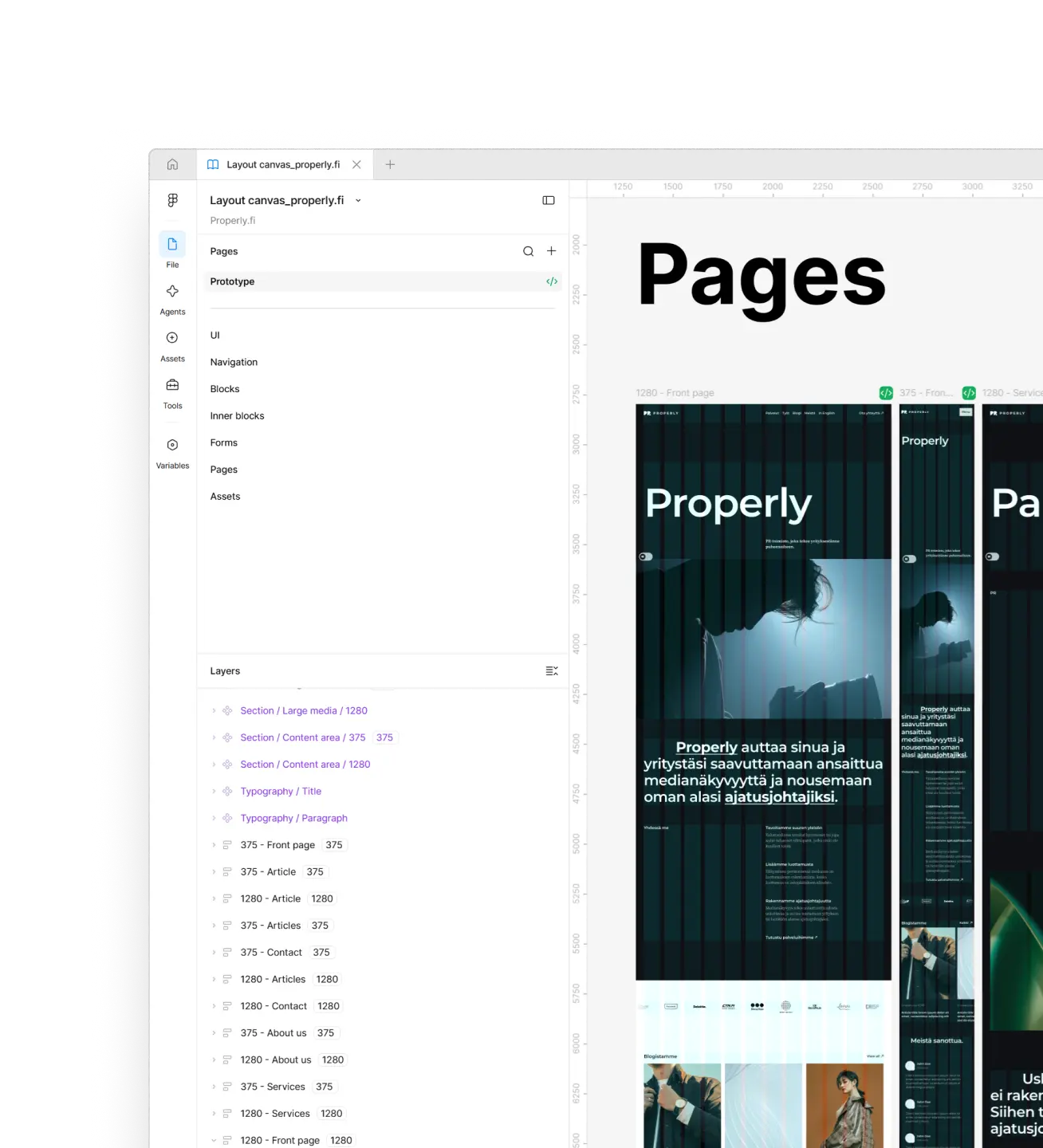
Keep hand-drawn layouts lean. Sketch the core structure and device variations without over-documenting every edge case upfront.
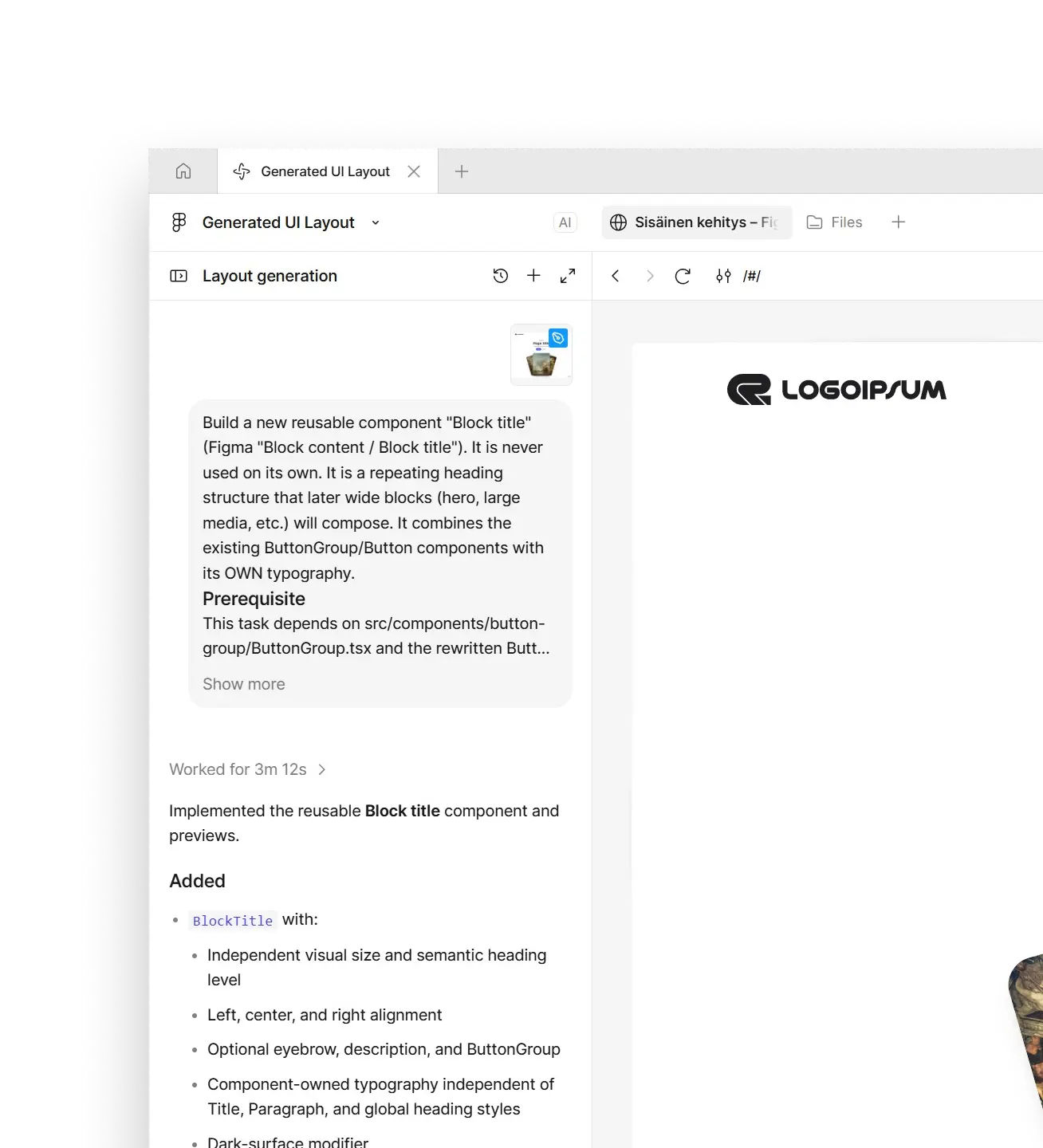
Use MCP to bridge gaps. Keep component behavior, tokens, and prototype variants aligned instead of rebuilding everything from scratch.
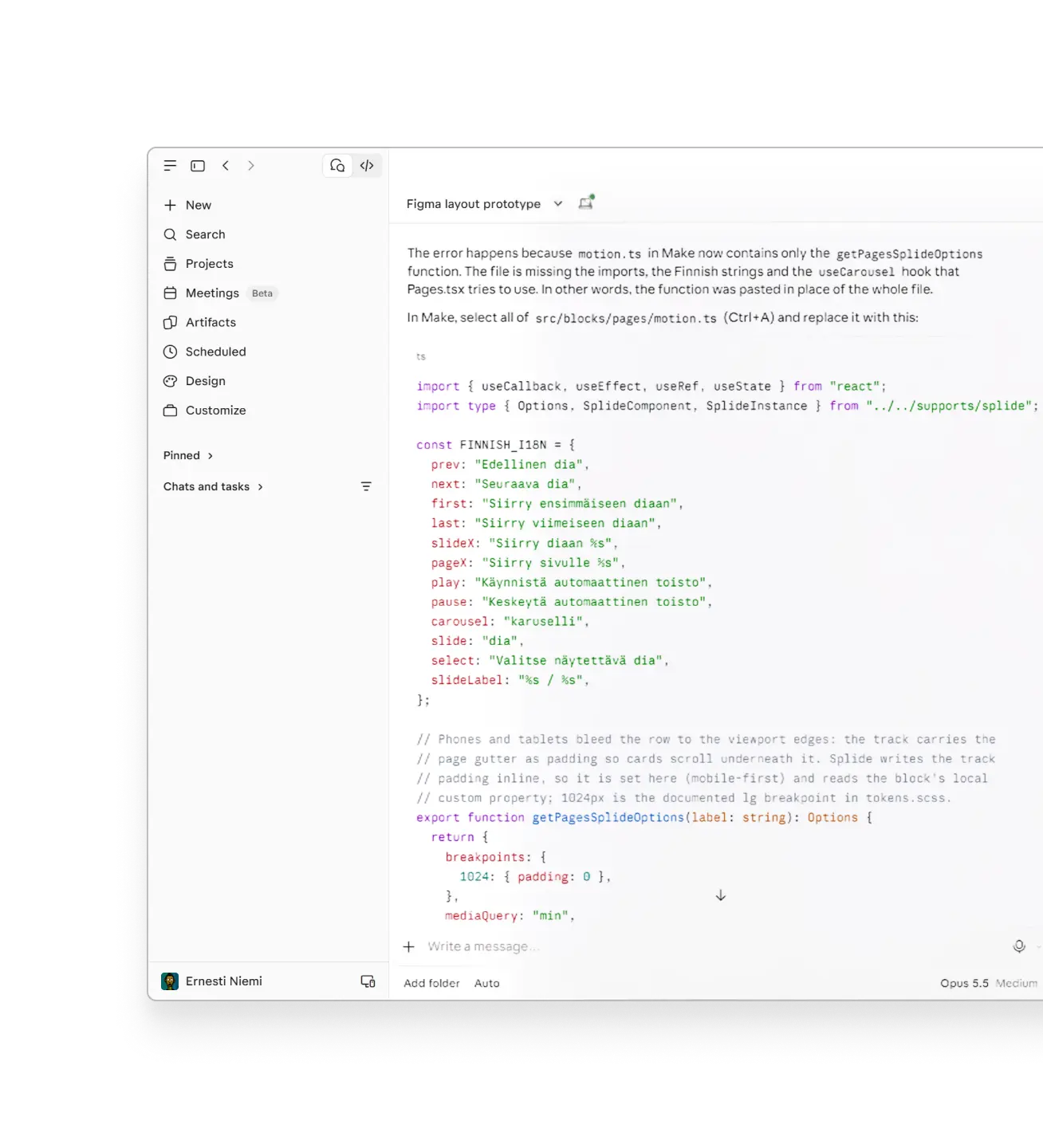
Save tokens on small tweaks. Handle minor adjustments and targeted fixes without triggering heavy full-layout regenerations.
Built By a Designer
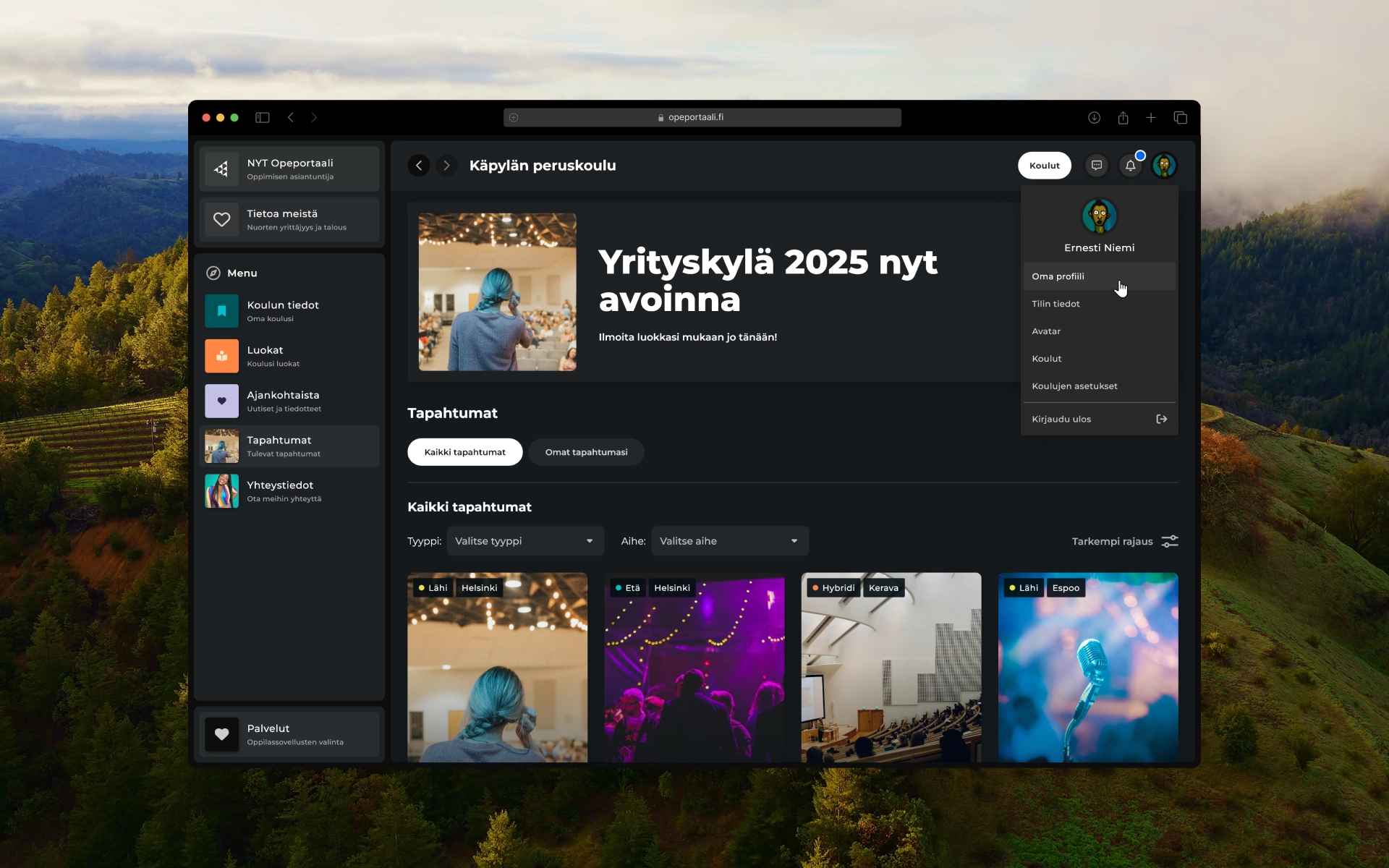
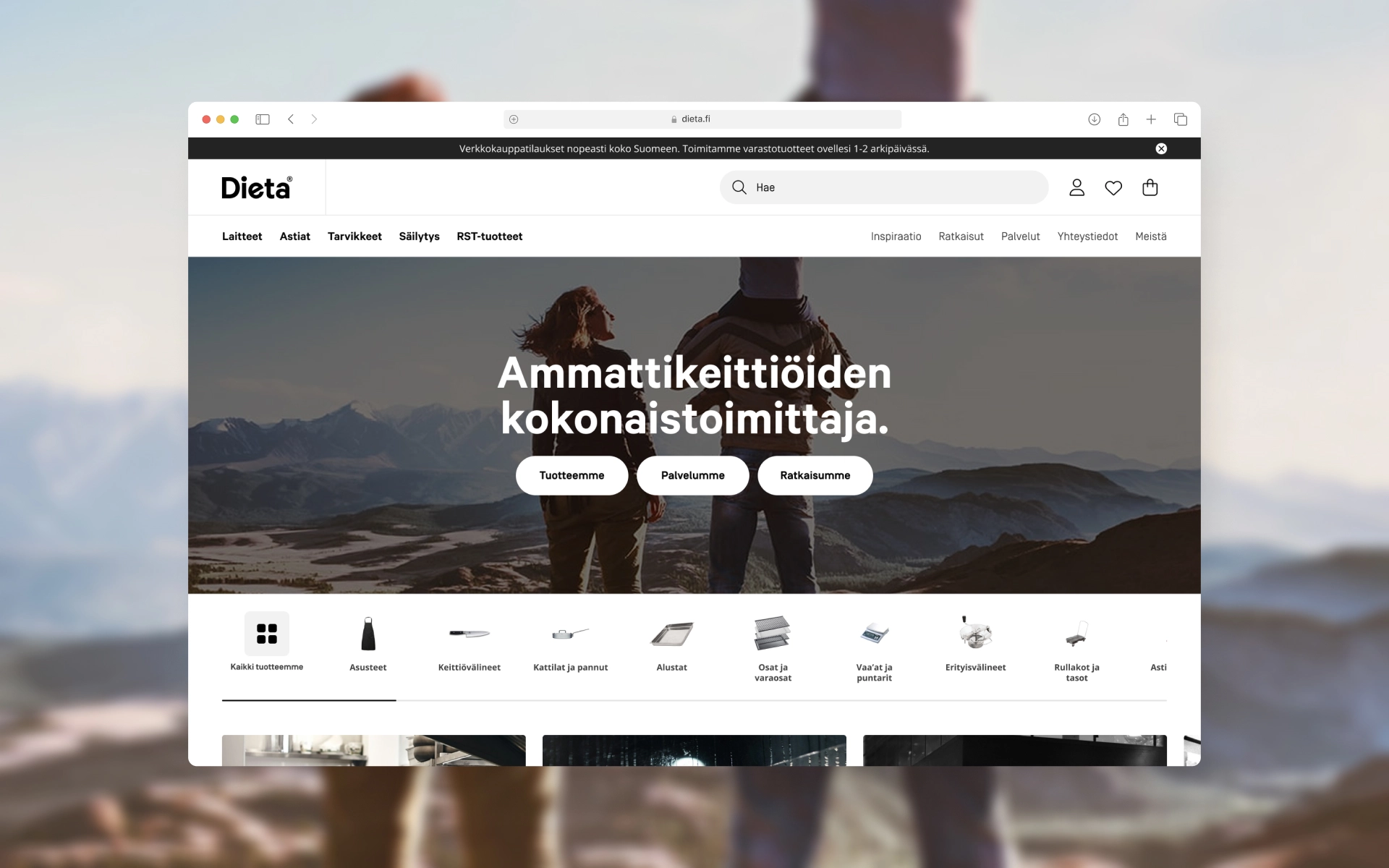
AI-generated prototypes are built with real code and can follow predefined structural rules and best practices. As real web applications, the prototypes of simpler content-focused builds can even go live and serve as the actual end product. This does not, however, mean that a designer-built application is always automatically ready for launch.
AI-built web applications can at times serve as the end-product itself, or the source code can be used as a base for further development.
We should never trust that AI-generated services meet set user privacy and cybersecurity requirements without thorough human review. Today, a developer's role might be anything from a code reviewer to CMS implementation specialist or beyond, and all of the more complex features, such as service integrations and dynamic content relations are still best handed off to a developer.
In addition to the design workflow, AI also opens up possibilities within the product itself, covering anything from automated content translations and other smart CMS features to product-specific micro-applications. What this means in practice is that developers remain an essential part of the project team even as roles blur and the focus on deliberate design decisions becomes ever more prevalent.
Contact for more detailsExploring new and better workflow options from the canvas to rapid builds and coded web applications
Ensure that best practices are followed and expand upon designer-built solutions
Develop better and more polished solutions at faster rates and tighter budgets
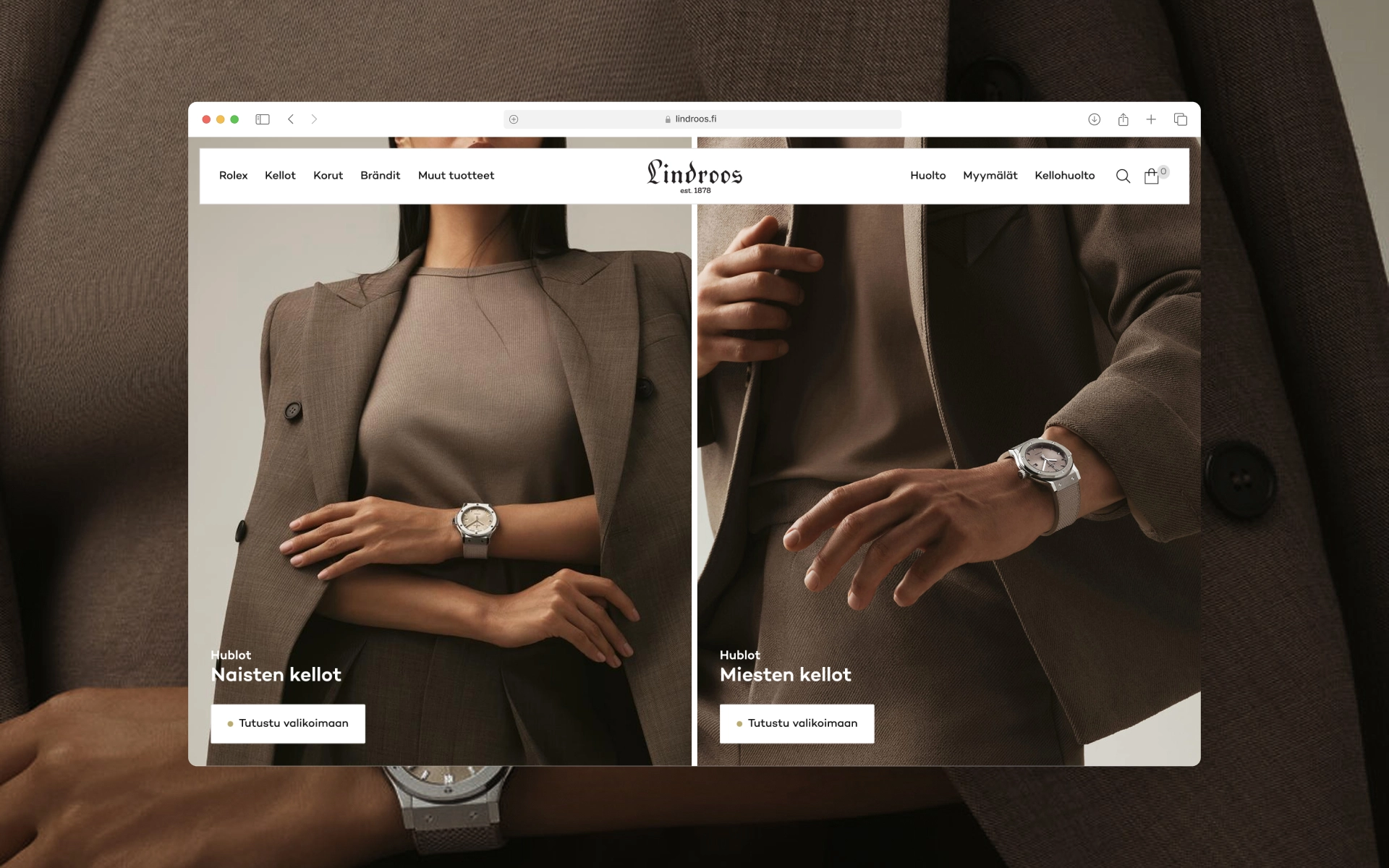

Call, text, or message me on Whatsapp. I am happy to discuss future proposals with you.
+358 40 584 0104
Do you prefer longer messages? You can always send me an old-fashioned email.
ernesti.niemi@gmail.com